
Why I Wanted a Backup
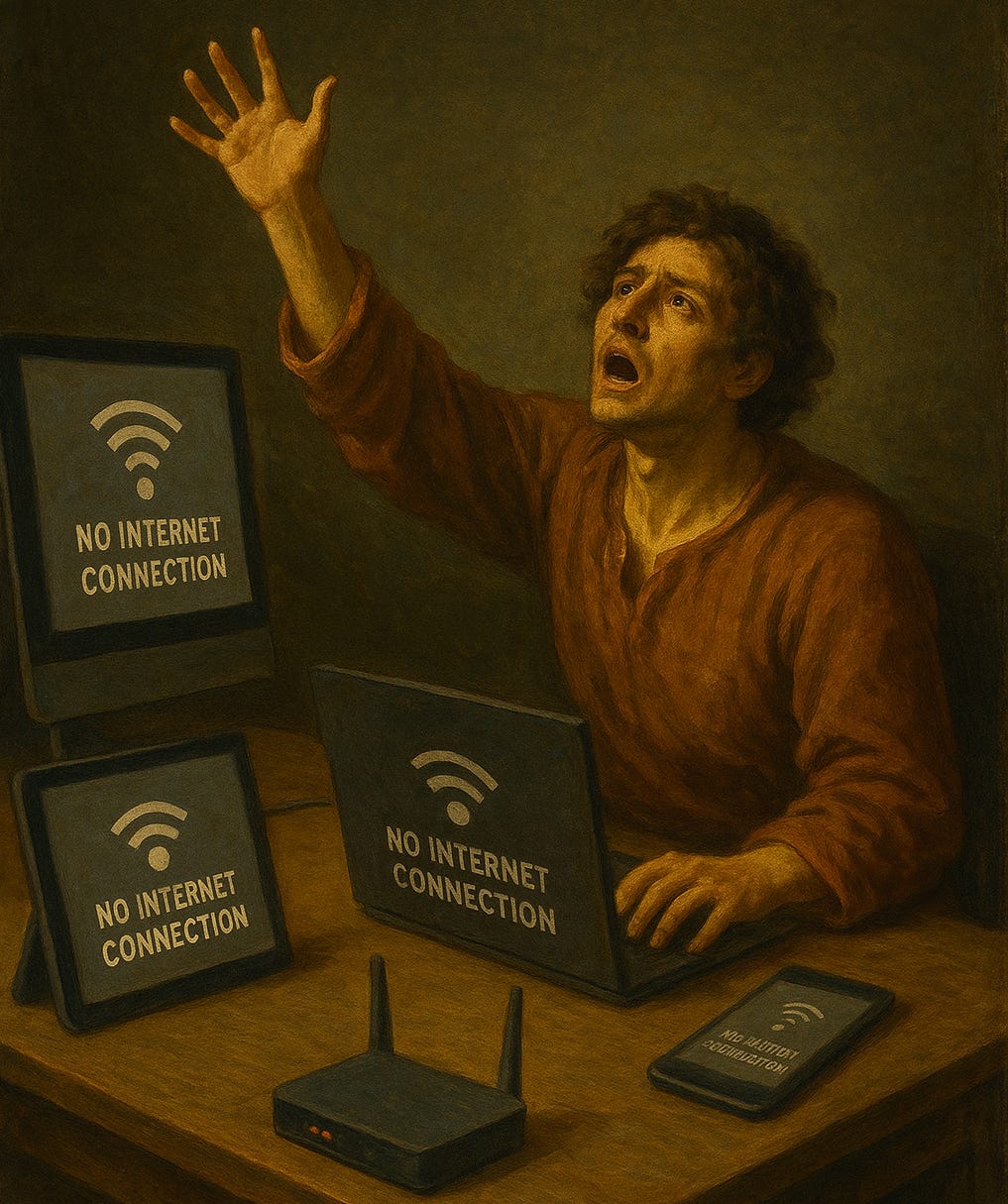
I work from home occasionally, and there’s nothing worse than your internet dying during an important work call, or right near the end of streaming a movie. After dealing with a few outages, I had it on my ‘backlog’ to find a reliable backup option that wouldn’t cost me another monthly subscription.
Normally I would use my cellular data plan as a hotspot, but unfortunately Verizon is extremely slow in my home.
Testing What Actually Works
Step 1: Check Coverage Maps
I started with OpenSignal, that shows crowdsourced network coverage data. In my area, it showed:
T-Mobile: 147.70 Mbps average
Verizon: 88.52 Mbps average
AT&T: 73.96 Mbps average
These numbers looked promising, but they’re area averages. You need to verify coverage for your specific location before buying anything.
Step 2: The Free T-Mobile Test Drive
T-Mobile offers a free 30-day trial through their T-Life app. No credit card required. Here’s how it works:
Download the T-Life app
Sign up for the trial (uses eSIM on compatible phones)
Test T-Mobile’s actual coverage in your specific location
I did this to test the actual speeds in my apartment without spending money upfront.
Step 3: The Results
Unfortunately for me, the results were disappointing:
Verizon hotspot: 2 Mbps (sometimes dropping to 600 Kbps)
T-Mobile trial: Also about 2 Mbps, even by the window
Turns out, my building has terrible cellular reception regardless of carrier. I might still look into AT&T, but it’s most likely a reception issue with my building.
However, if your results actually look good, here’s what I almost decided to do.
The Best Options
1. T-Mobile Hotspot Device (If you have good coverage)
Device: Franklin T9 Mobile Hotspot (~$20 used on eBay)
How it works: Insert a T-Mobile SIM, creates WiFi network
Data options: Prepaid plans starting at $10 for 2GB, up to $50 for 30GB
Bonus: You can bring it with you when traveling
2. Dual SIM Phone Setup
Keep your primary carrier
Add a prepaid eSIM from another carrier
Switch between them as needed
No extra device to carry
Real-World Recommendations
Test before buying: OpenSignal showed great speeds in my area, but my actual apartment results were terrible. The free T-Mobile trial saved me from wasting money on equipment.
Building construction matters: Modern apartments with concrete and metal can block cellular signals, regardless of carrier.
Try near windows: If you’re getting poor signal, test near different windows - sometimes it makes a difference.
Consider alternative carriers: If T-Mobile doesn’t work, you could test AT&T or other carriers with cheap prepaid SIMs.
Summary
I hope you have better luck then I did. I may still end up buying the Franklin mobile hotspot, if not for home use then for when I’m traveling or working remotely for an extended period of time.
A used Franklin T9 hotspot is only around 20 bucks, with some prepaid data could save you a lot of frustration during an outage.
But before you spend any money, use a free trial or buy a prepaid sim if you have to. In my case, I discovered my building is just bad for cellular reception.
For those with better building reception than me, having that little hotspot device ready to go could be a lifesaver when your main internet inevitably goes down.